
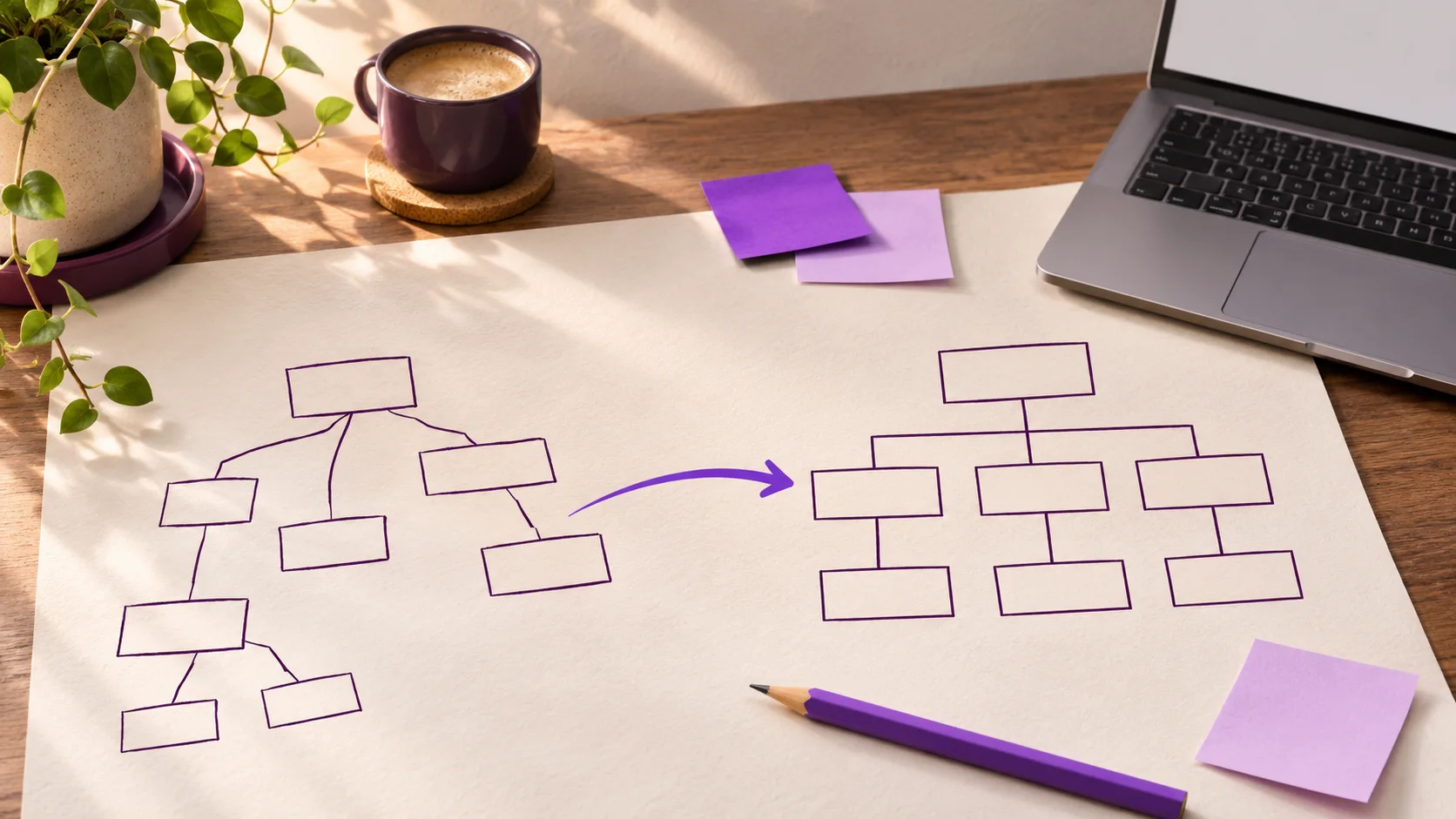
A new homepage is easy to picture. The old PDF linked from a popular article is easier to miss. So is the contact page that still receives visits through an old bookmark. By the time somebody notices, the replacement site is already live.
Before a WordPress rebuild, give every known public URL a recorded outcome. Keep the address, move it with a redirect, combine it with a genuinely related page, or retire it with a deliberate response. A spreadsheet is enough to start.
Collect URLs from more than the WordPress menu
The navigation shows only what the site owner chose to link there. Start with a crawl of the public site and an export of WordPress posts, pages, categories, and media. Add URLs from the XML sitemap. If you have access, check Search Console for pages with search visibility and analytics or server logs for pages people visit. Google's site move guidance recommends drawing on these sources because no single list catches everything.
Look beyond HTML pages. A downloadable guide, an image used in an article, or a file linked by another website may need its own migration decision. Record each live address exactly as it appears, including the path. Don't silently collapse different URLs into one row.
Give each URL a decision and an owner
Useful columns are old URL, page type, current status, evidence of use, new URL, action, and person responsible. Add a notes column for content that needs checking. The action can be one of four plain choices:
- Keep: publish the reviewed page at its existing address.
- Move: publish a relevant replacement and redirect the old address to it.
- Combine: fold overlapping material into one useful page, then redirect each old address to that page.
- Retire: remove material that has no suitable replacement and serve an appropriate missing or gone response.
Don't send every retired address to the homepage. Google warns that irrelevant mass redirects can confuse visitors and may be treated as soft 404 errors. If a page once explained a service you no longer offer, a clear retirement may be more honest than an unrelated redirect.
Check the content before preserving it
Keeping a URL does not mean keeping every sentence. A WordPress article can still attract links while its plugin steps, screenshots, prices, or claims have aged. Mark those rows for factual review. Check the destination page's purpose before you decide whether a redirect makes sense.
Jetumo's own archive is a useful reminder: an old article can remain available with its original date and an archive note while current guidance is written separately. That gives readers context without presenting inherited sales copy as a current offer.
Test the map before and after the switch
Once the new site is ready, use the inventory as a test list. Each kept URL should load the intended page. Each moved URL should reach its final destination through a server side permanent redirect, usually a 301 or 308. Check that the destination loads, its canonical tag names the intended URL, and its internal links point directly to current pages. Google's migration guidance recommends avoiding redirect chains and updating the new sitemap.
Repeat the checks after launch. Search Console and logs can reveal missed addresses, but they take time to show the whole picture. Keep the inventory so a later 404 has a place to be investigated. A rebuild is much easier to repair when the original decisions are written down.
If you are planning a move away from WordPress, start with the URL list before choosing the new page layout. Jetumo's website migration page explains how that route plan fits into a wider rebuild.